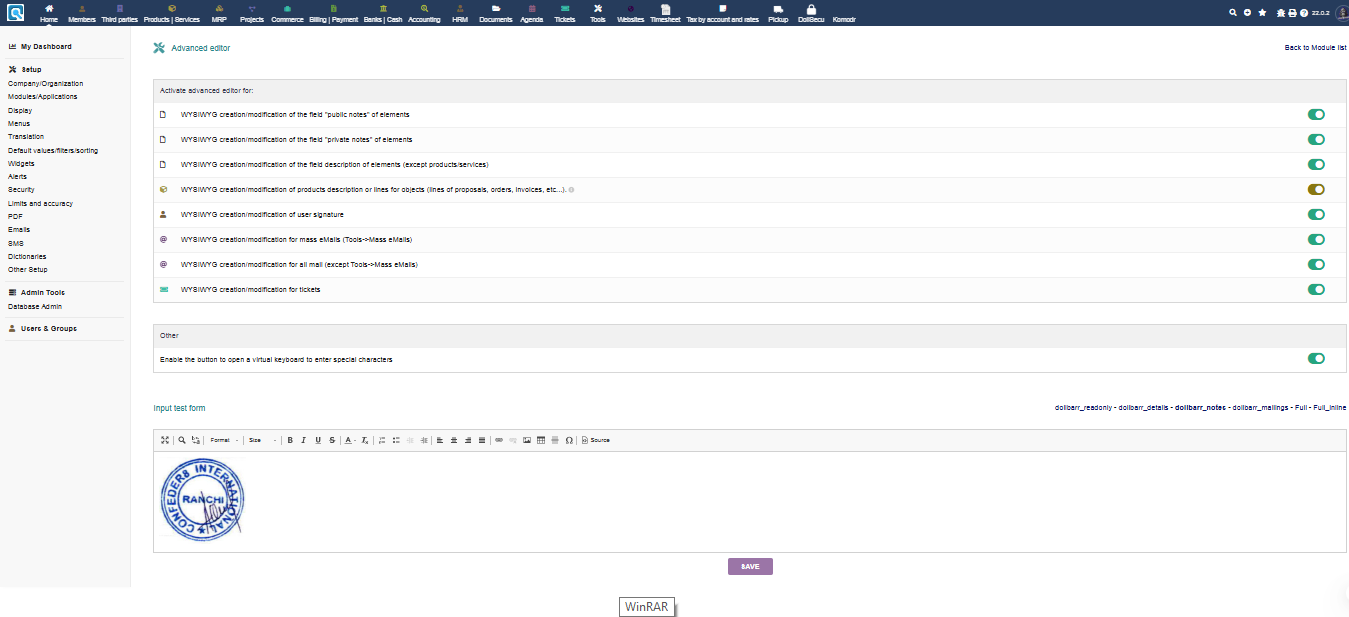
I would like to add terms and conditions and a scanned image of the seal and signature of the company to the quotes and invoices. Is there an option to do this?
To add any free text or images at the bottom of proposals or invoices, go to Setup > Modules/Applications > Proposals. At the bottom is an area called “Free text on commercial proposals”. Make sure you enable the Module WYSIWYG editor. The same applies to Setup > Modules/Applications > Invoices
Adding seal and signature to the Special expenses. Can I Have Some Video Of That. I Am New For This ERP. I Will Like To used signature Pad.
Hi,
The Suggestion is ok for adding additional items such Terms and Conditions but it is not the right place to add seal and signature as there is already a Written acceptance, company stamp, date and signature in the Proposals and Invoices. the seal and signature image has to appear in this when the proposal / invoice has been validated.