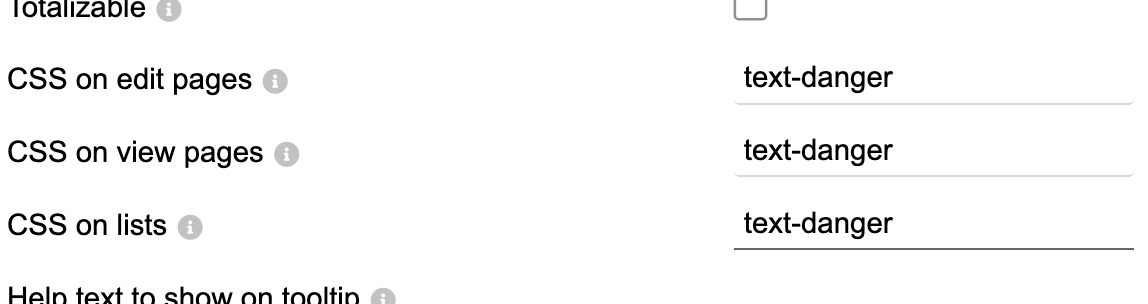
In the Dolibarr modules settings there is an option to create extra fields. While creating those fields it is possible to add CSS for those fields in the settings (frontend). I tried to do this following the example under the information icon, but I did not succeed. Does anyone know how this CSS works? Your showing me how to handle this would be greatly appreciated.
I have the same problem. I thought you had to add a classname, but it isn’t clear or documented anywhere. Here I attempted to use a class in the Dolibarr style.css.php, but nothing happens. I was hoping it could just work like color: red; for example.
The screenshot I shared earlier is exactly how it works. The css class name is applied to the value in the field. I was testing it on a checkbox, and obviously, text-danger will not work on a checkbox. Perhaps the field should say “CSS class on edit/view/lists” instead of nebulous “CSS”.