(Dolibarr v23)
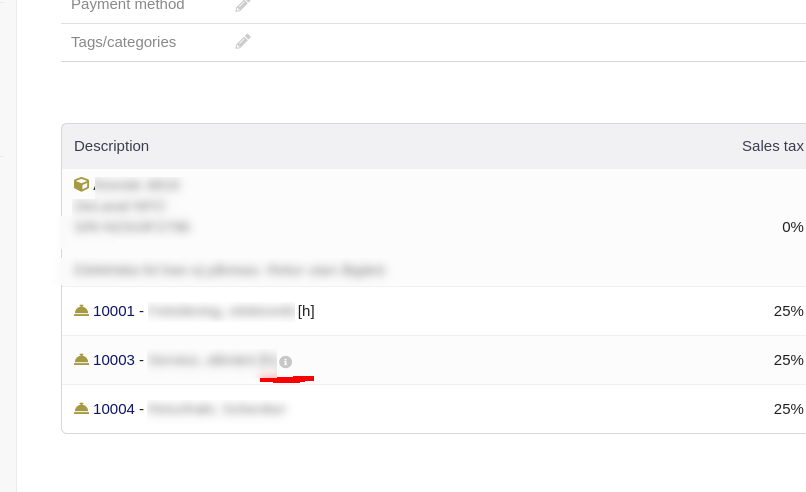
When adding description to lines on invoice and validate the invoice, we have to hover the “i” to see the description. Service 10003 in the following invoice has extra description, but it is not shown until we hover the “i”.
Is there a setting to let Dolibarr show the description directly on the invoice card so we don’t have to hover the mouse?