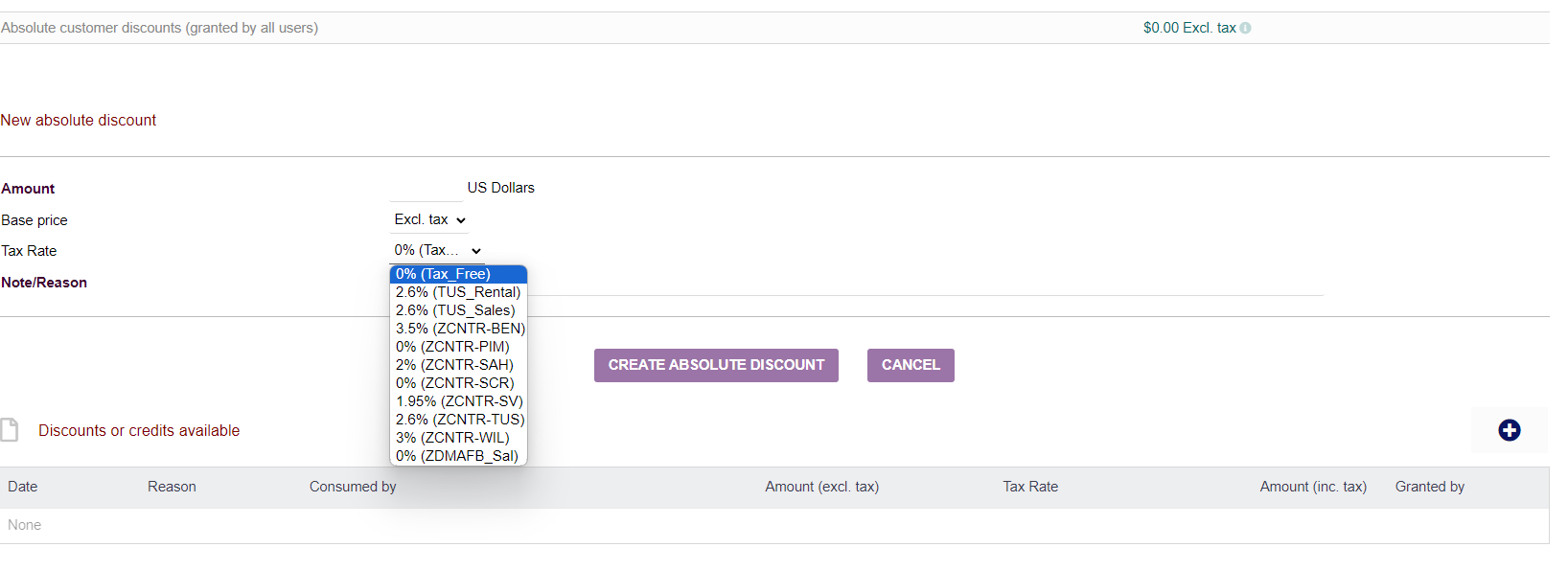
I tried searching the forum and wiki for an answer but came up blank. I am on 18.0.4.
In my setup, I am using VAT Tax Rate 1 & 2 to help with calculating State/County taxes and City taxes. I have this working across the board. This is working great so far.
However, when I go to create an absolute discount I find that I cannot figure out how to get that discount to include the 2nd tax rate.
I go to the Third party page and add a discount. The Tax Rate dropdown only shows VAT tax 1.
When I use it on the invoice, it also only calculates that discount using VAT tax 1. I need to add a discount that excludes tax using that tax rate but utilizes tax rate 1 and 2 rather than just 1.
Is there a setting somewhere that I am missing, or is this a bug? Any help or suggestions would be appreciated. I also searched Setup Other and the wiki for VAT and Discounts but couldn’t find any setting anywhere that would enable the absolute discount to calculate both tax rates together.
It’s likely a system limitation absolute discounts only apply to VAT 1. You’d need to combine the rates under VAT 1 or manually apply a separate VAT 2 discount, then verify totals with Vatcalc.Onl.