Disable warings

Hi,
with this configuration:

  • Dolibarr 21.0.0
  • PHP 8.3.14

I can’t disable the warnings.
I tried editing the php.ini with no success. Then, looking at the code, I saw that the following command was executed in the “filefunc,inc,php” file:
error_reporting(E_ALL & ~(E_STRICT | E_NOTICE | E_DEPRECATED));
I changed it to:
error_reporting(E_ALL & ~(E_STRICT | E_NOTICE | E_DEPRECATED | E_WARNING));
and the warnings disappeared.
Is there a way to stop seeing these messages without editing the code?

what warning messages are you talking about?

I think that PHP version is supported, but maybe there’s some pedantry in that 8.3.14 is bigger than 8.3.0.0.0.0 …

Hi,
I was talking about the warning messages, as shown in the image.

immagine

Do you think the PHP subversion could be a problem?

Is that a special module you have installed? Because I do not have any path like that in my (dev) Dolibarr (develop branch) (the version at hand I could just easily test)


Hi,
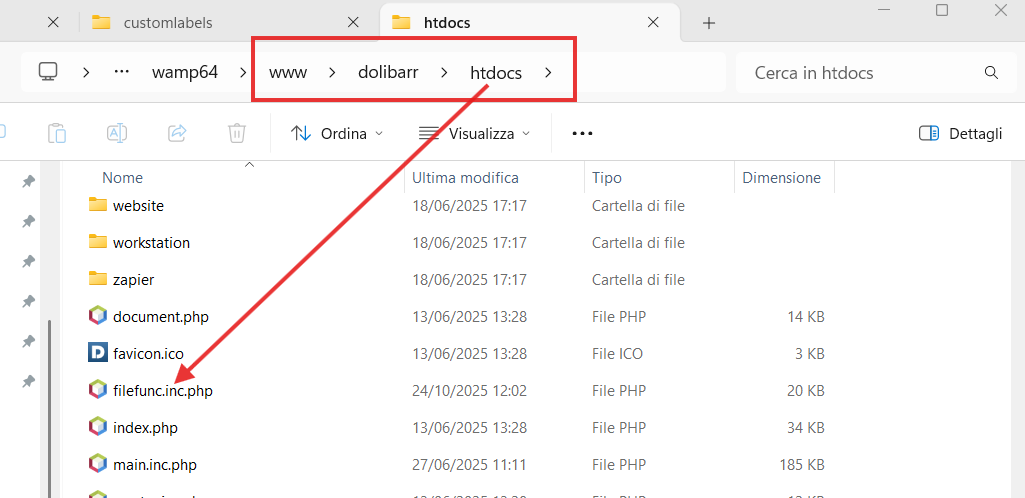
I have this file in the htdocs folder

Hi @mgribaudo
In a production instance always modify your php.ini (or php-fpm.conf)

display_errors = off
log_errors = on

And in your /htdocs/conf/conf.php file set $dolibarr_main_prod to 1

Correct, I have that file as well @mgribaudo but, that is not the file mentioned in the warning message you posted.

Thanks @sonikf,
now it’s works