
I have 1 primary category selected for TakePOS. Then about 10 or 12 sub categories.
when I click each of the subcategories it should display all the items in that category but it only show the first one for all the items in that category.
if there is enough items to take up multiple pages the first page shows 22 items that display item 1.
the second page shows 22 items that display item 23 and so forth.
if i resort the items by a different field then it changes to match the new sorting but still only shows the first item
Which dolibarr version?
I just upgraded a 22.03 using the .deb installer on Ubuntu
Isn’t it linked to his issue : Duplicated products in category · Issue #36306 · Dolibarr/dolibarr · GitHub
Could you try to patch this and see if you still have the problem ?
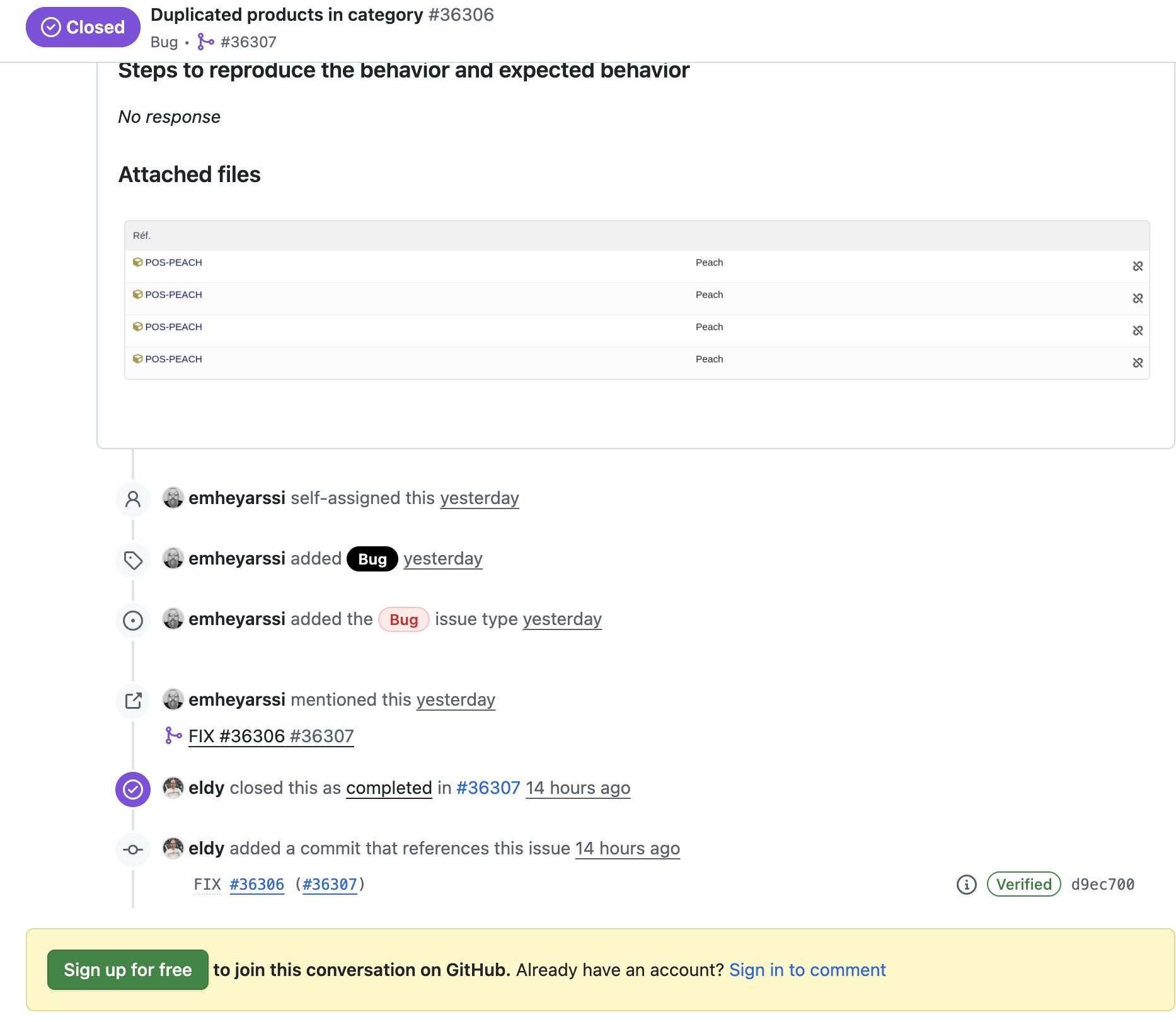
this patch works perfect. i was on my way to fixing it i just hadn’t found this loader (not a programer  ).
).
you have to edit the file using something like
nano /usr/share/dolibarr/htdocs/categories/class/categorie.class.php
go to line 1039
change it from $objs[] = $tmpobj; to$objs[] = clone $tmpobj;
save the file and refresh your browser
This works! Thank you for the confirmation. I just tried it successfully. Just an expanded direction for even non-non-non programmers like me can get  : Go to your ftp, file manager, search for “categorie,class.php”. The one with dolibarr installed needs to be selected. If you can’t edit the php file in the ftp…on Mac, download the file, use TextEdit to open it. Find the phrase “$objs = $tmpobj;” and replace it with “$objs = clone $tmpobj;”. Save the file. Upload the file to rewrite previous php file in that folder. Refresh the POS. This was so daunting but you were extremely helpful.




