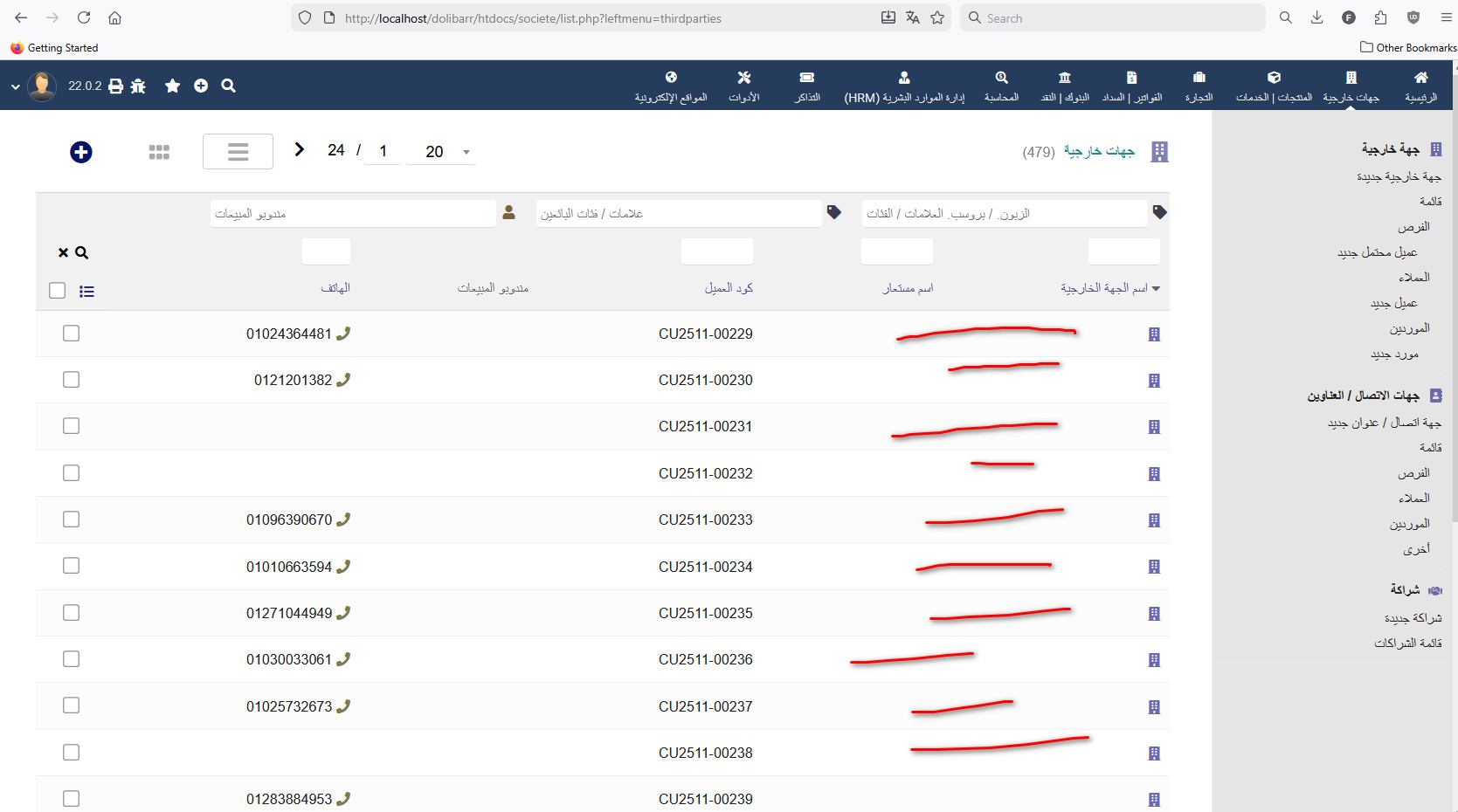
I exported my clients to Excel 2007. I tried importing them to another hosting account, but the client name didn’t appear despite the process being complete. The client name field is empty,
while the mobile number appears normally.
The language used is Arabic.
When I open the Excel file, the name appears correctly.
The problem occurs in Dolibar when importing the file.
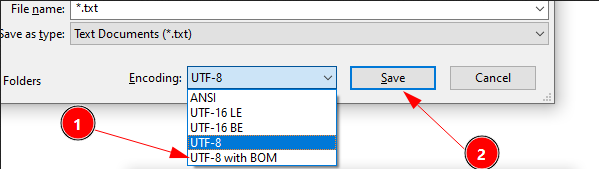
You must set the language encoding type of your import file to “UTF8 with Product Recipe”. This will prevent charset corruption and whitespace generation.
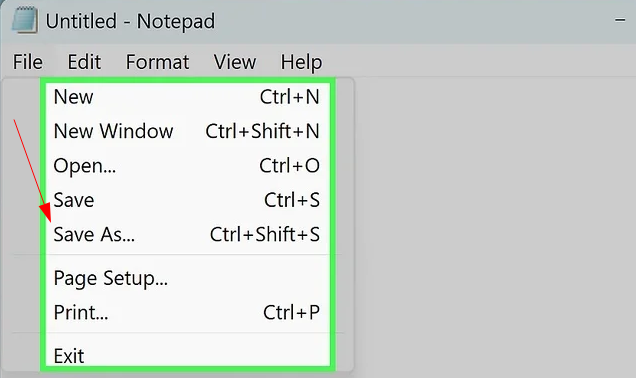
The Excel file was exported in CSV format with UTF-8 encoding and verified using Notepad++. However, when importing the file, the client’s name doesn’t appear. I can send you the Excel file privately so you can confirm this.
Yes feel free to send me a copy of that Excel file. And remind the version of your Dolibarr instance.
I’ll let you know, if can reproduce this error, what the problem is.