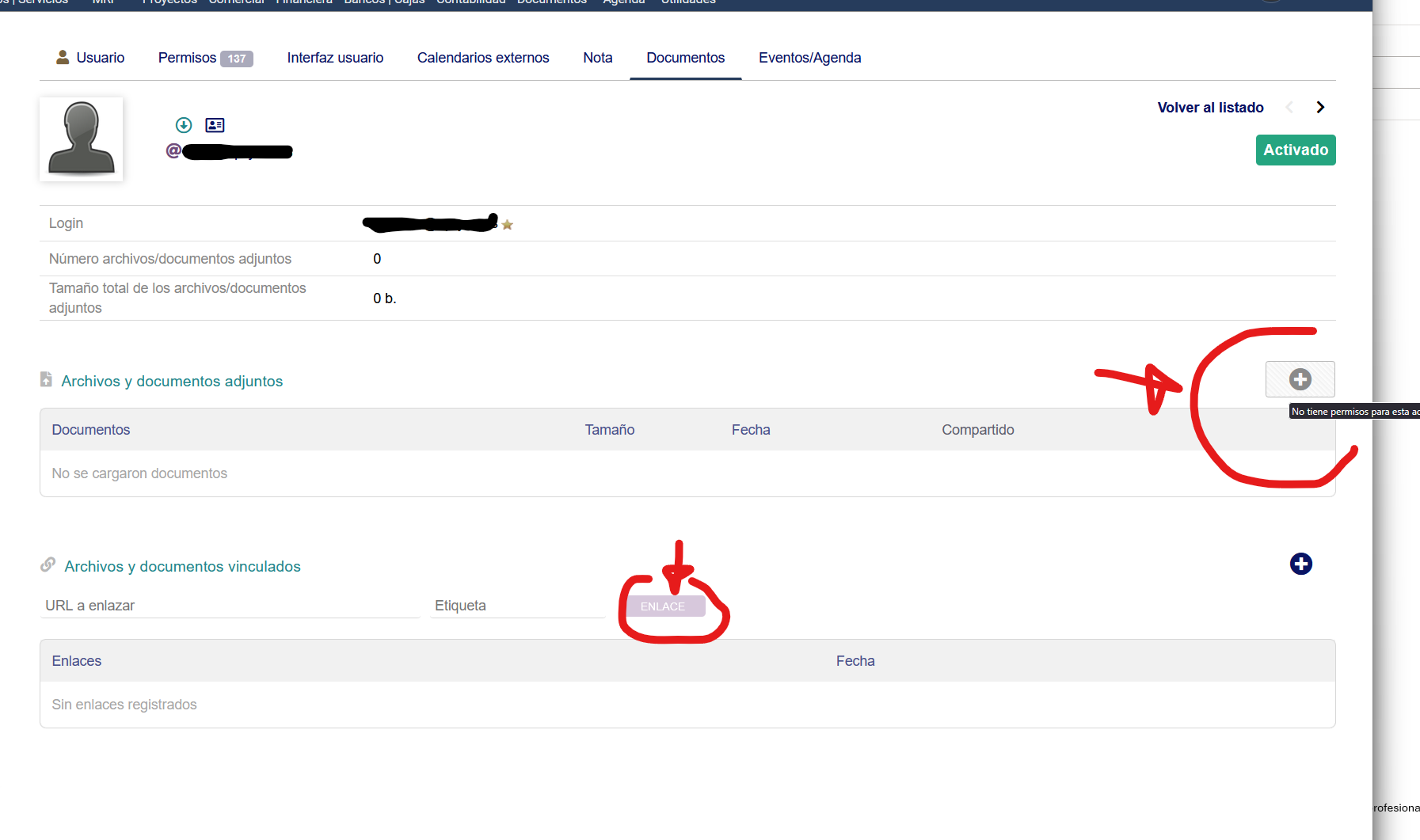
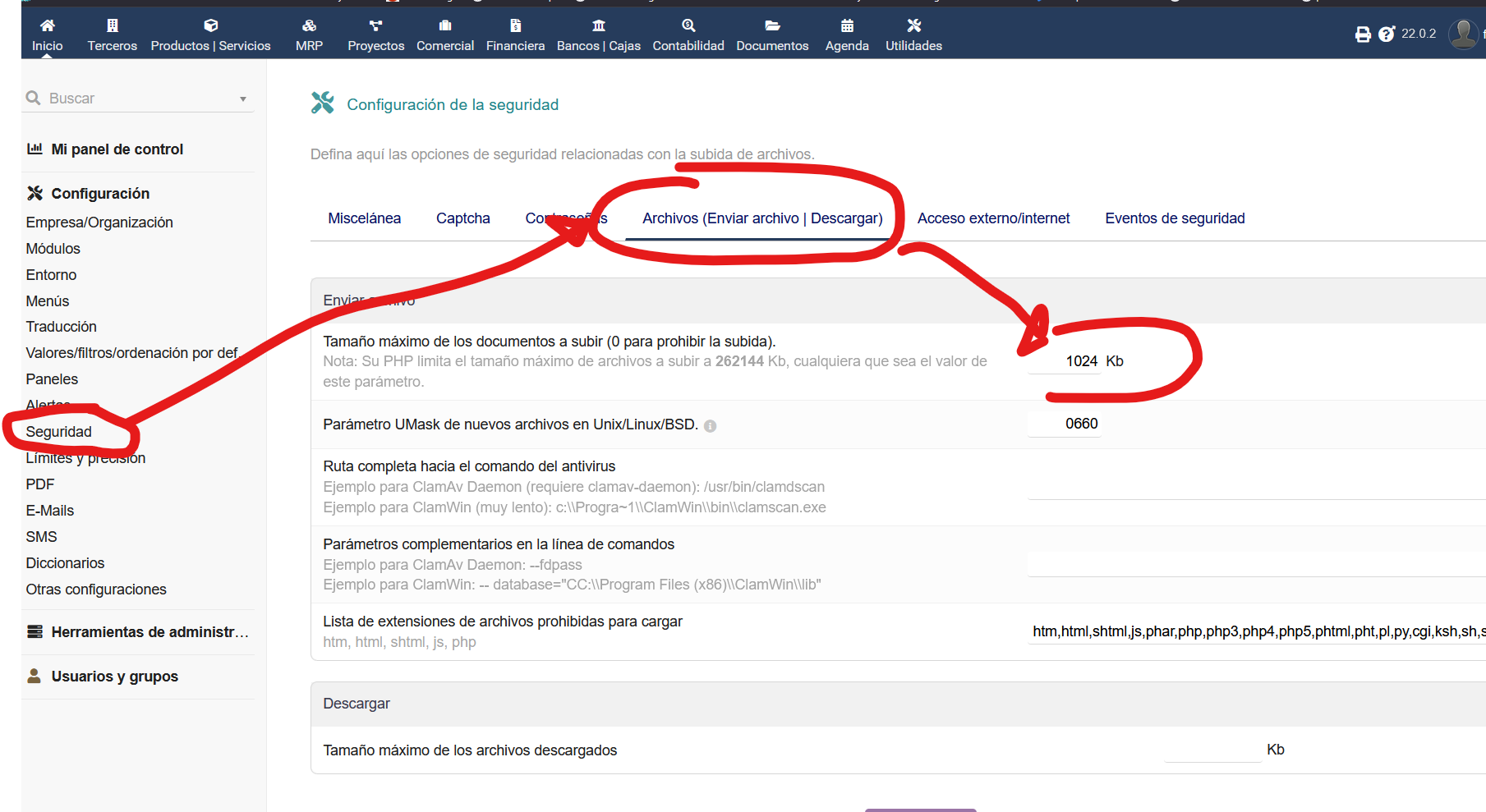
so, i can upload documents to email attachment or upload logos to customer tabs (i assume that is not a server or PHP problem then) but neither me or any other user can upload on document/projects tab
Hi @fer13 If you are not seeing anything on UI then I suggest dive into the code is the only easy option now if you have the knowledge about the Dolibarr code and also PHP for sure.
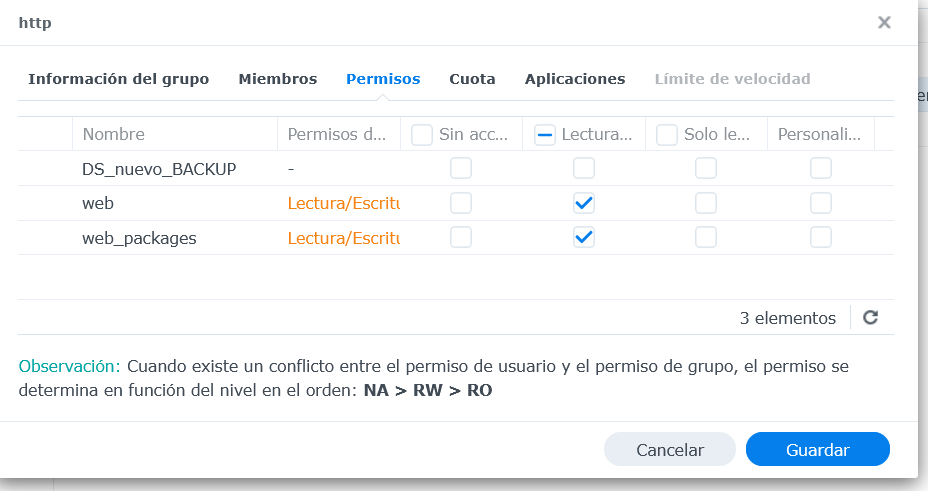
maybe your Dolibarr has no write permission on the filesystem you installed Dolibarr.
on linux systems it could be www-data user/group and if the group doesn’t have permission to write files it will be not possible in Dolibarr.
But to help better more inormation would be needed.
when you have ruled out that the webserver user lacks write permissions, then I’d like to see the output of your webservers log when trying to do this and pretty much only when you try to do this.
I’d also like if you could enable debug logging in Dolibarr and then send the output from dolibarr.log while trying to upload a file - and just that please
I think you should file a bug report here GitHub · Where software is built because I do not think that error message was helping to figure out where to fix the issue.